

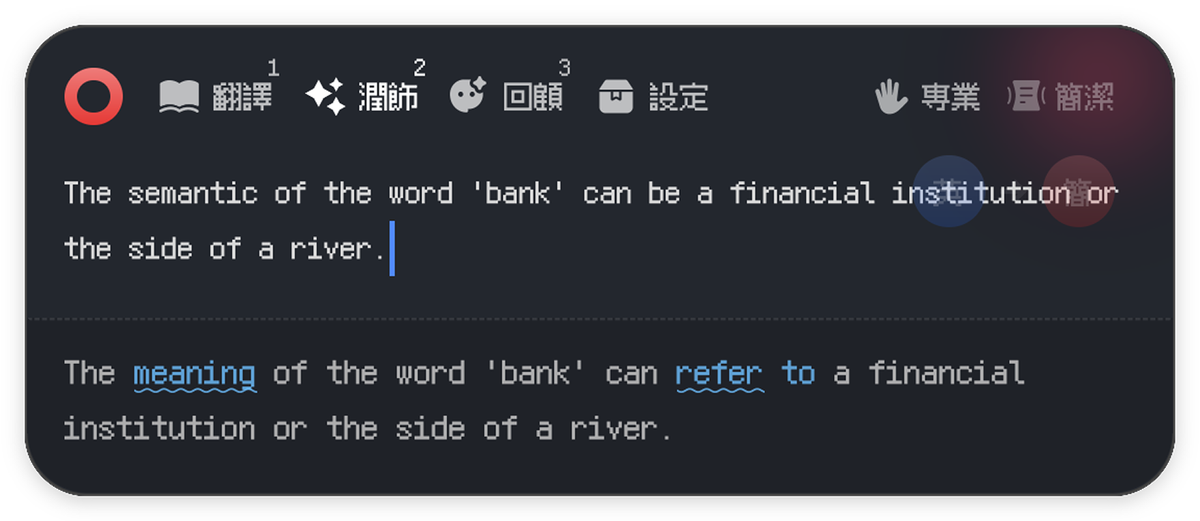
Long-form polish with diff highlightingSimple, clear, and easy to use

 小语翻译Moeka Translator
Elegant, concise, and keyboard friendly
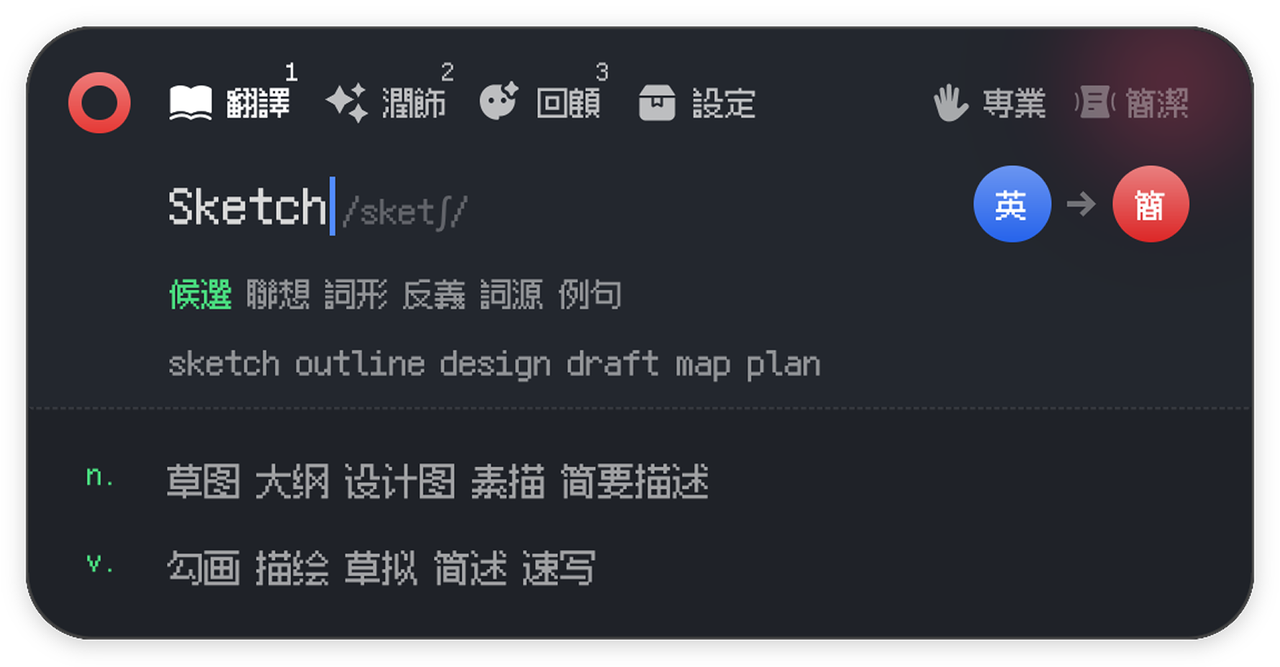
A global dictionary and translator powered by LLMs

10MB app, 65MB memory
Small and unobtrusive

Cross-platform GPU UI
Smooth native experience

35 languages supported
Define, translate, polish

System-wide translation
Integrated with your desktop

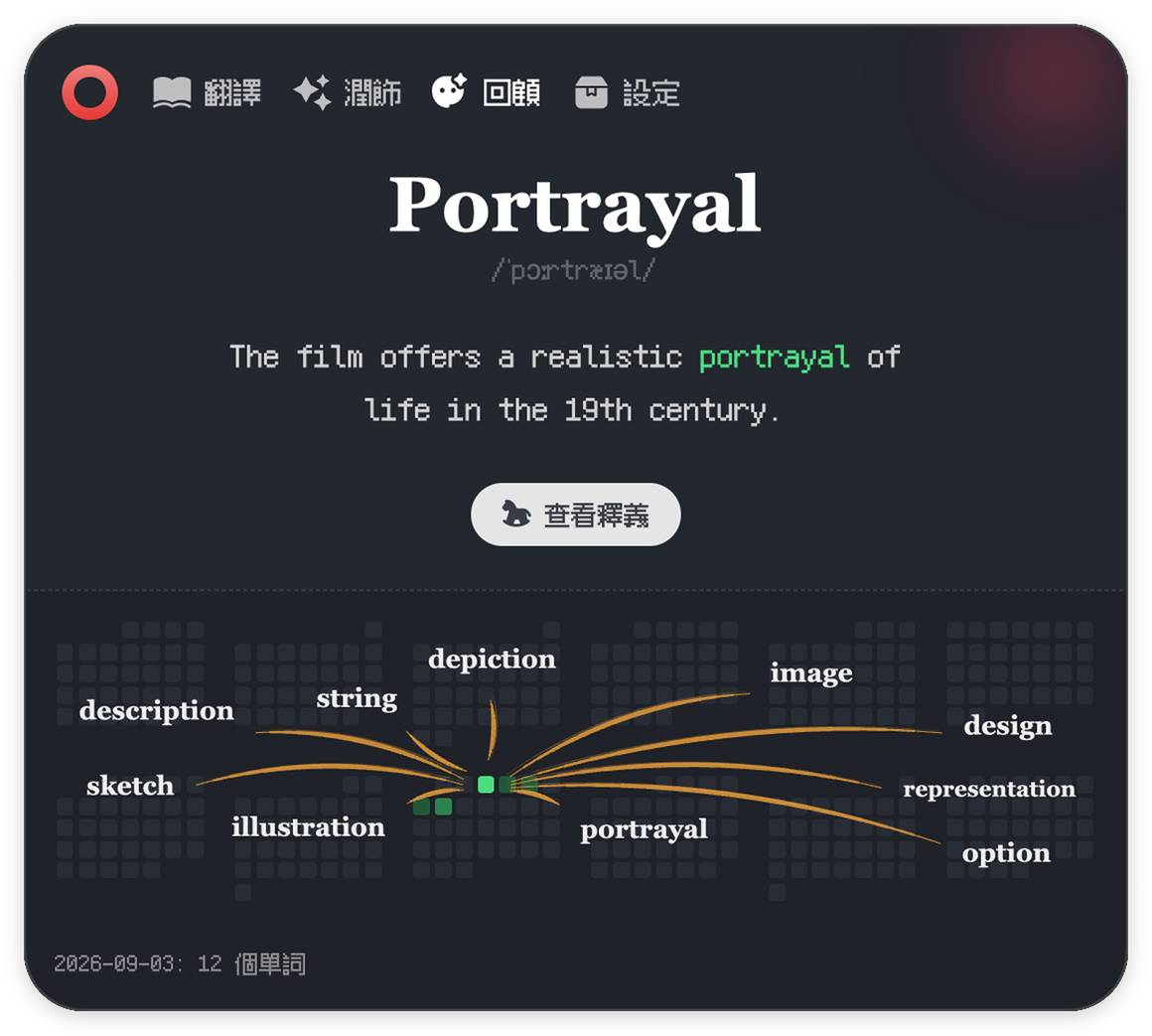


Its core features are completely free. This desktop translator and dictionary uses LLMs for accurate translation, writing polish, and definitions across 35 languages.
For now, yes. Bring your own API key (BYOK). A built-in model service is planned for a future release.
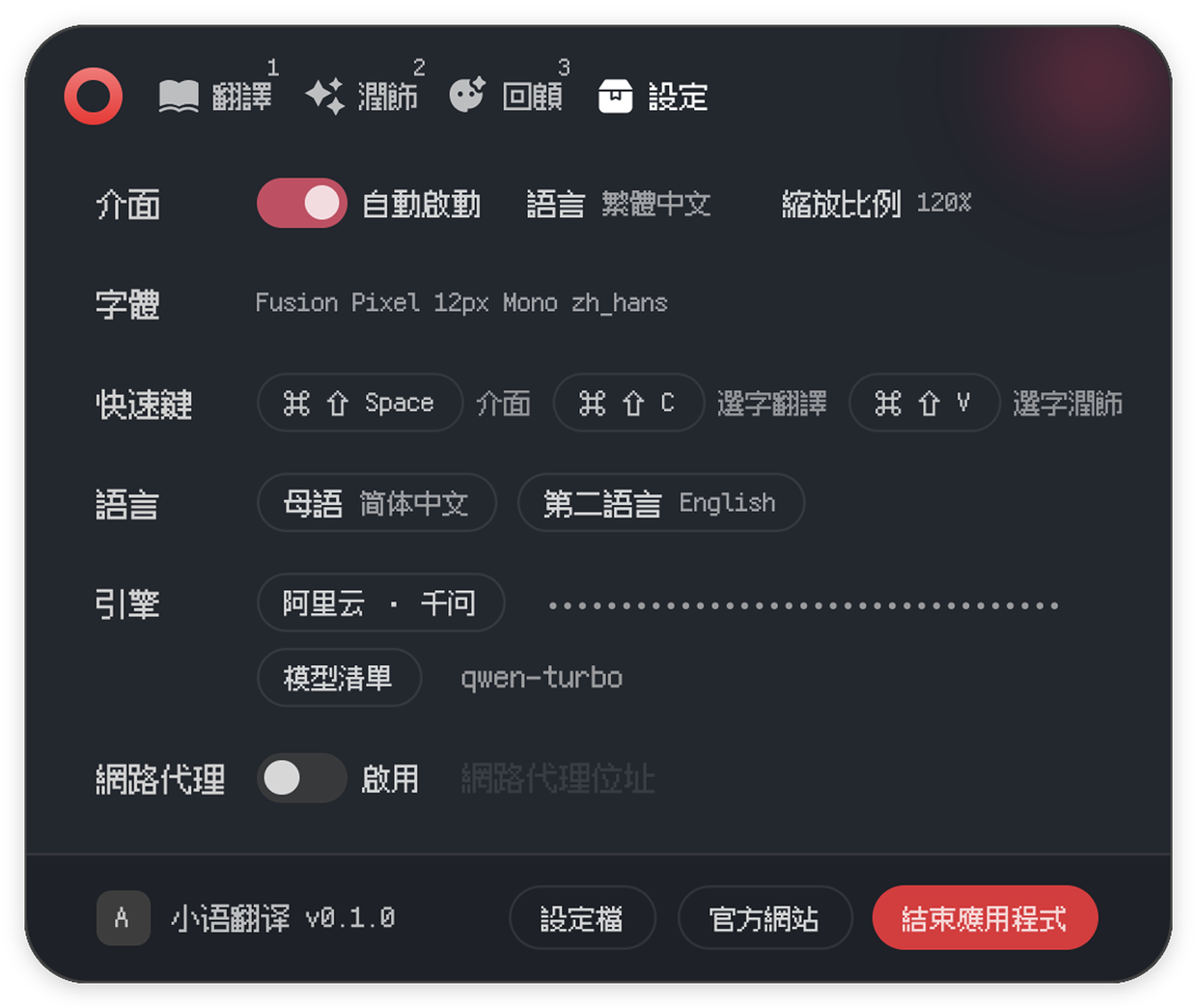
After launch, find the small circle icon in the system tray, or press the default Cmd + Shift + Space shortcut to open the main window.
On macOS, enable Moeka Translator under System Settings -> Privacy & Security -> Accessibility. Then select text anywhere and use the shortcut or shake the mouse to translate or polish it.
macOS is available now. Windows and Linux are planned for a later release.
Open the GitHub Issues page to send a report or request